
4. No Home Button, No Touch ID
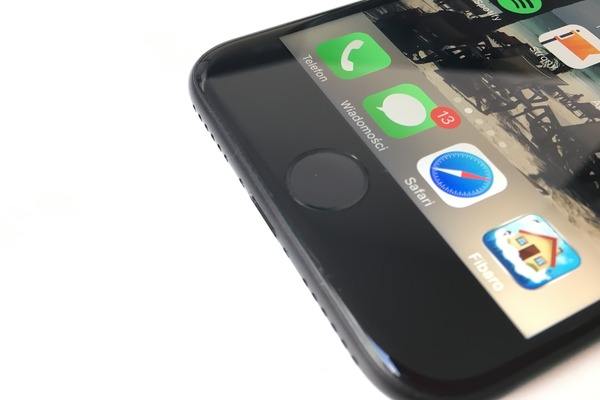
If you like a home screen button, you won’t find one on your Xs. No home button makes the screen seem larger. You’ll have to use swipe-gesture navigation.
Apple has eliminated Touch ID to unlock the Xs. Instead you must use Face ID. Apple claims it is harder to trick Face ID and works in the dark or if you are wearing a hat or sunglasses. You do need to look (instead of touch it) at the phone to use Face ID.